
STEP 1 OF 3
Pick your beta
 BETA OPEN
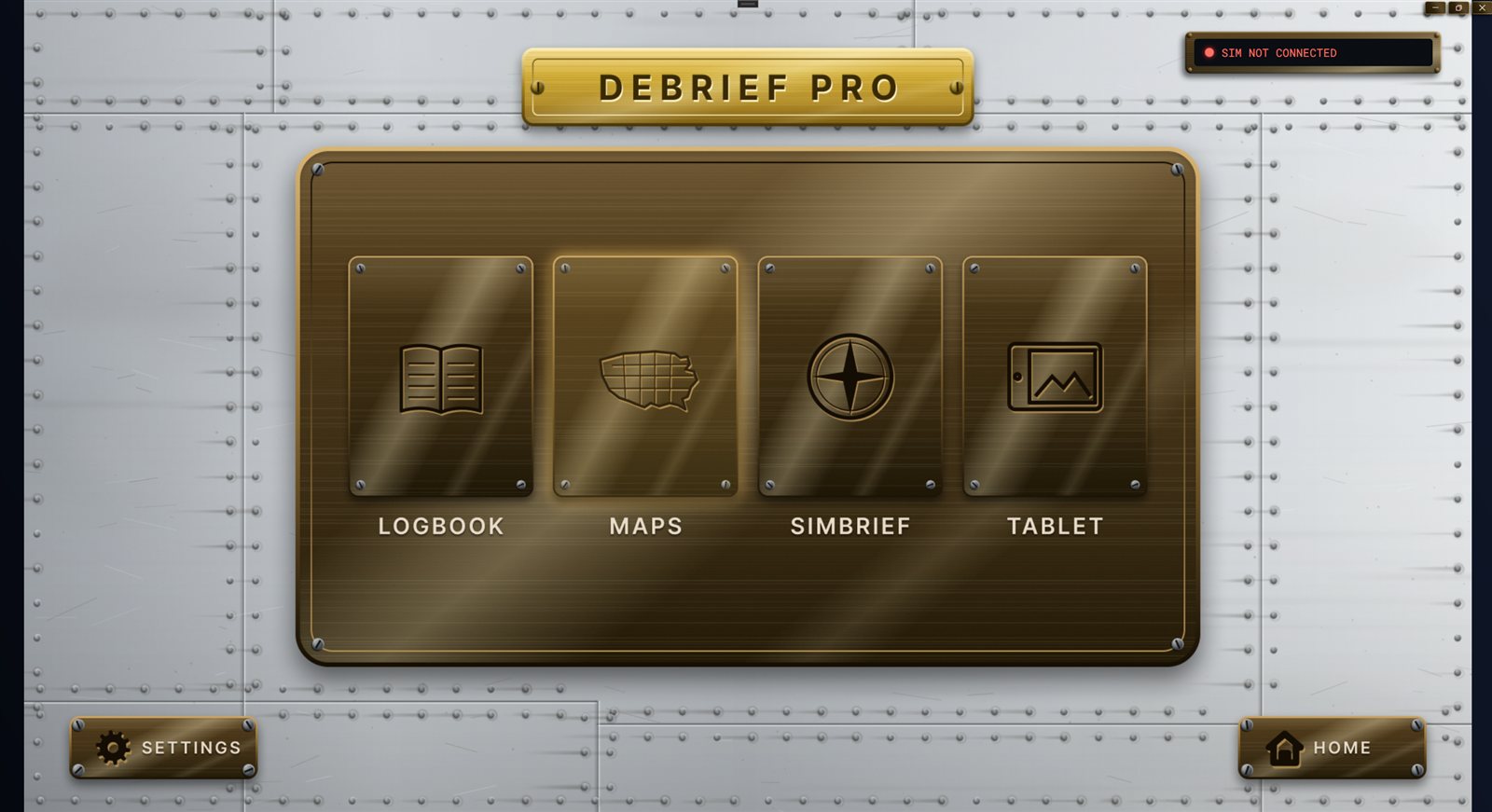
Debrief Pro
Your MSFS 2024 logbook, written for you. Maps, landings, photos and SimBrief, every flight.
THE FORMAbout 25 questions
TAKESAbout 10 minutes
NEEDSMSFS 2024, Windows
Apply for Debrief Pro →
 BETA OPEN
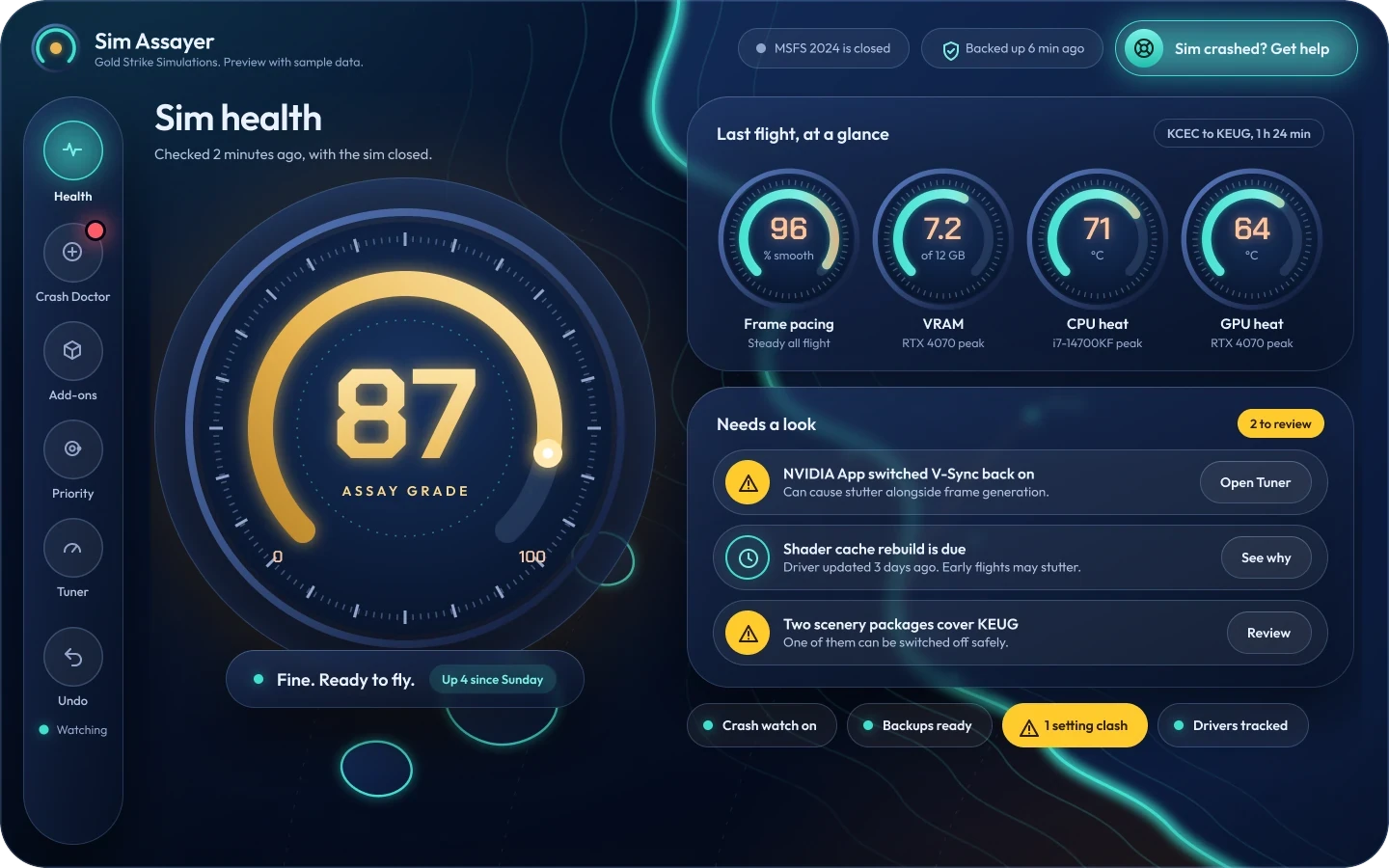
Sim Assayer
Finds what's costing you frames and crashes. After a flight it grades it and gives tips. Some tips apply with one click, backed up first, undo any time.
THE FORMA few questions
TAKESAbout 2 minutes
NEEDSMSFS 2024 or 2020
Apply for Sim Assayer →
Want both?One form for Debrief Pro and Sim Assayer together.
Apply for both at once →THEN
How the beta works
1
Free account, then apply
One sign-up so your key and downloads stay in one place.
2
Get your key by email
When you're picked, your key and download link come straight to your inbox.
3
Fly and check in
Fly like you always do. A 5-minute check-in once a week tells us what to fix.
WHAT YOU GET
- Free use for beta testers during the beta period
- Finish every check-in and the app you tested is yours, free, at launch
- The Tester role in the Gold Strike Discord after your first check-in
- First look at every new beta
- A straight line to the guy building it
WHAT WE ASK
- Fly with it like you normally would
- A 5-minute check-in each week
- Tell us the truth, the good and the bad
QUESTIONS
Before you apply
Does it cost anything?It's free for beta testers during the beta period. Finish every check-in and the app you tested is yours, free, at launch. You also get the Tester role in the Gold Strike Discord after your first check-in, and first look at every new beta.
What PC do I need?Windows and the sim. Each card above says which sim.
What happens to my data?It stays on your PC unless you choose to send a report. The privacy page has the details.
What if I get busy?If you can't make a week, email [email protected] before Sunday. One missed check-in gets a warning, and two means you're out of the beta.